Inversion
A downloadable game for Windows and macOS
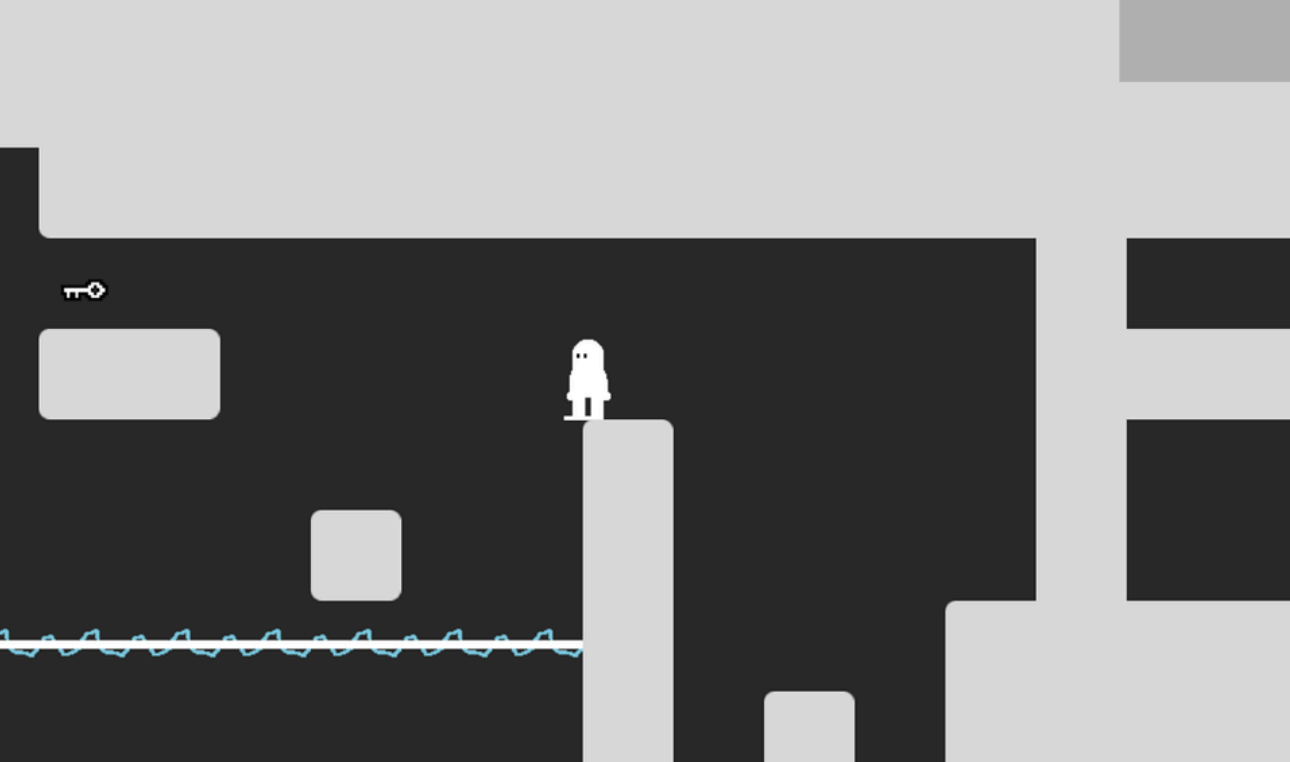
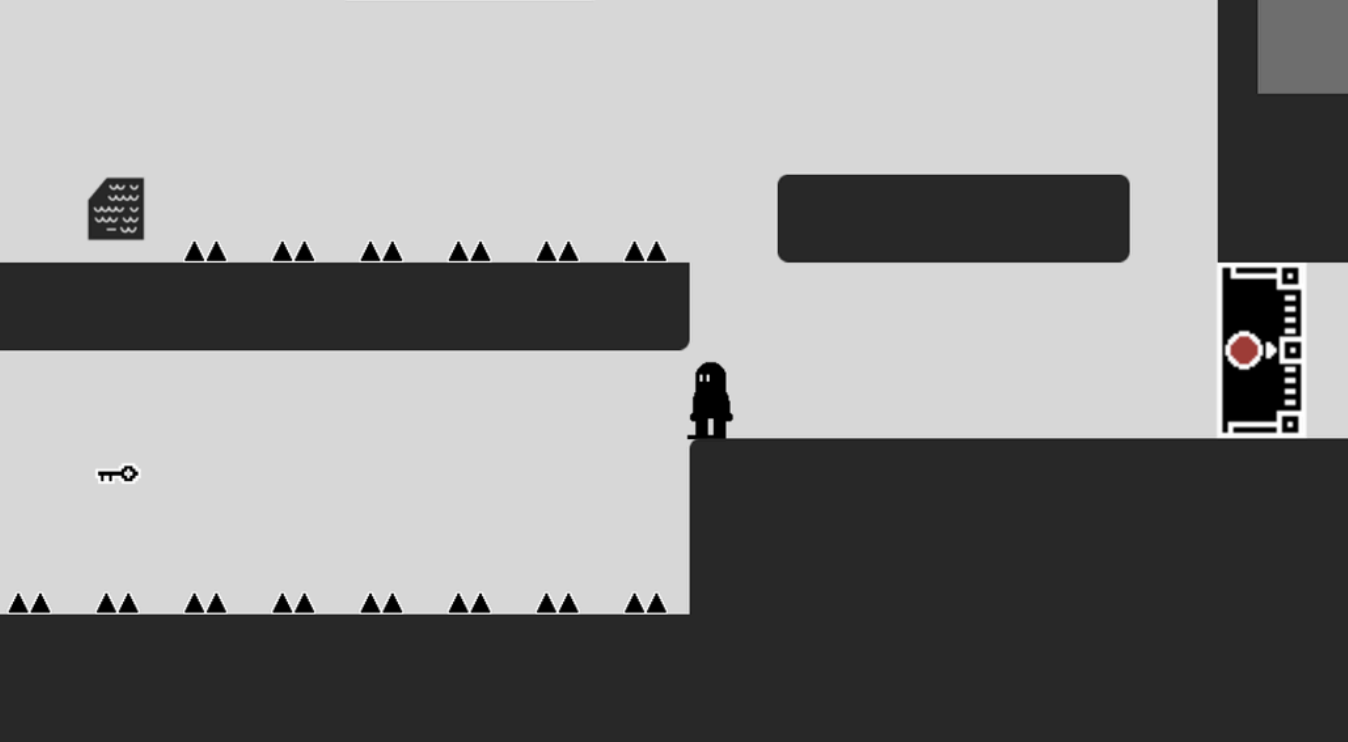
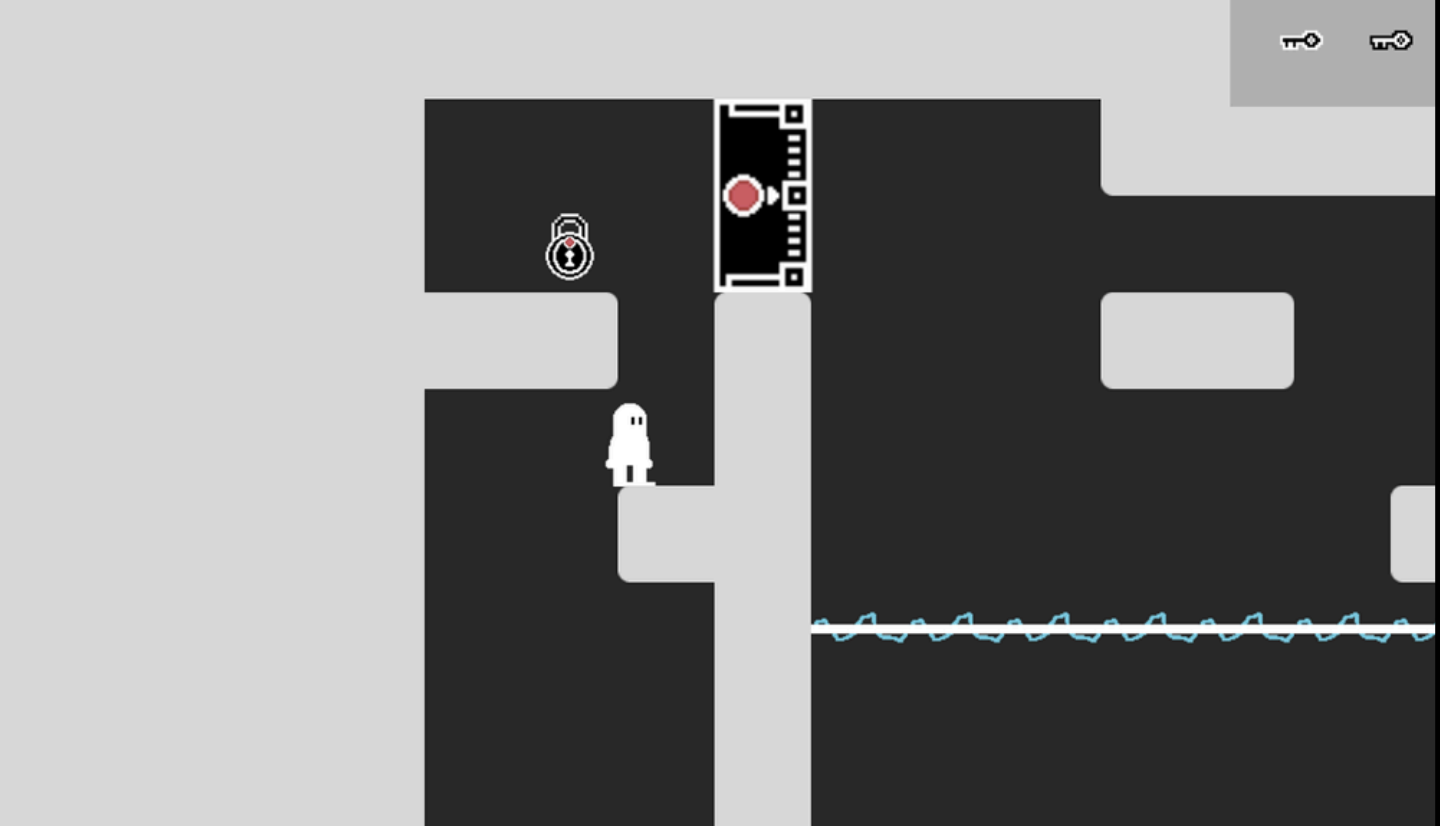
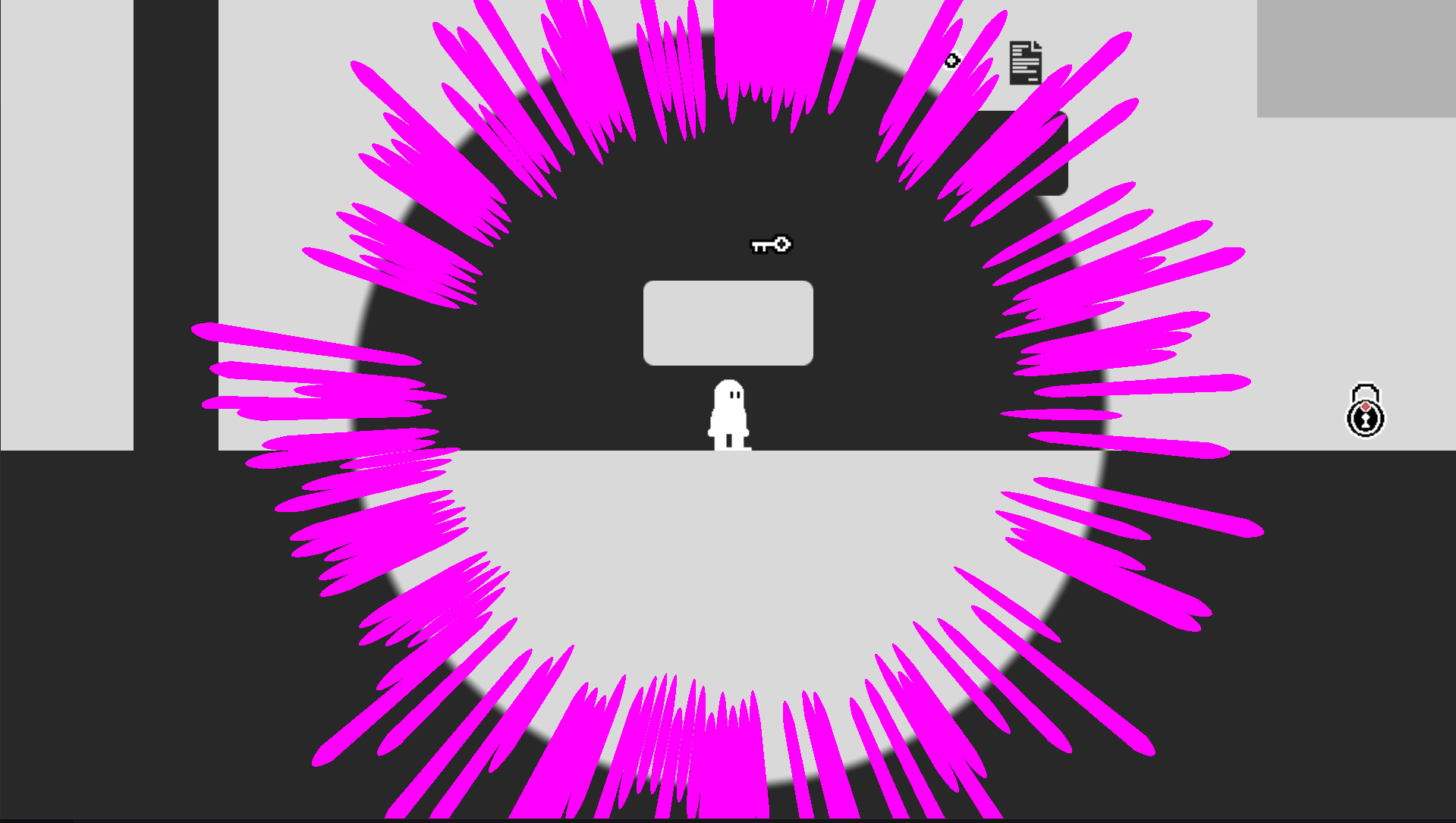
Players continually swap between light and dark realities. Doing so reveals new paths, blocks, and entities. Picking up items along the way adds them to their inventory, which persists between both realities. Touching hazards resets a player to the last checkpoint without resetting the whole level. Resolving the various puzzles relies on the player’s ability to spot the differences between the two realities, which lead to what steps must be taken next: which keys to collect, to unlock the correct doors, and so on. The process repeats after each area is solved, with more unique and challenging puzzles arriving via the next area.
Download
Install instructions
How to Start
- Download the .exe/.dmg.
- Press "Start" on the main menu.
- Follow the on-screen instructions.
macOS users:
If Gatekeeper blocks the application, open the Privacy & Security System settings, scroll down to “Security”. Where it states “‘Inversion.app’ was blocked to protect your Mac.” Click “Open Anyway”.
Windows users:
If Windows SmartScreen blocks the application, click "More info" and select "Run anyway".